
TheGalleryPro is album design software for wedding and portrait photographers. Build full-spread layouts, design the cover, crop every photo, and export print-ready wedding albums from desktop or the web.
7-day free trial. No card required. Desktop and web apps.

Plan the full book, edit each spread, and prepare the final files in one album designer.
Design left and right pages as one canvas. Your images flow across the gutter as they will print and bind.
Compose the front, back, and spine together with titles, logos, photos, colours, grain, and text shadows.
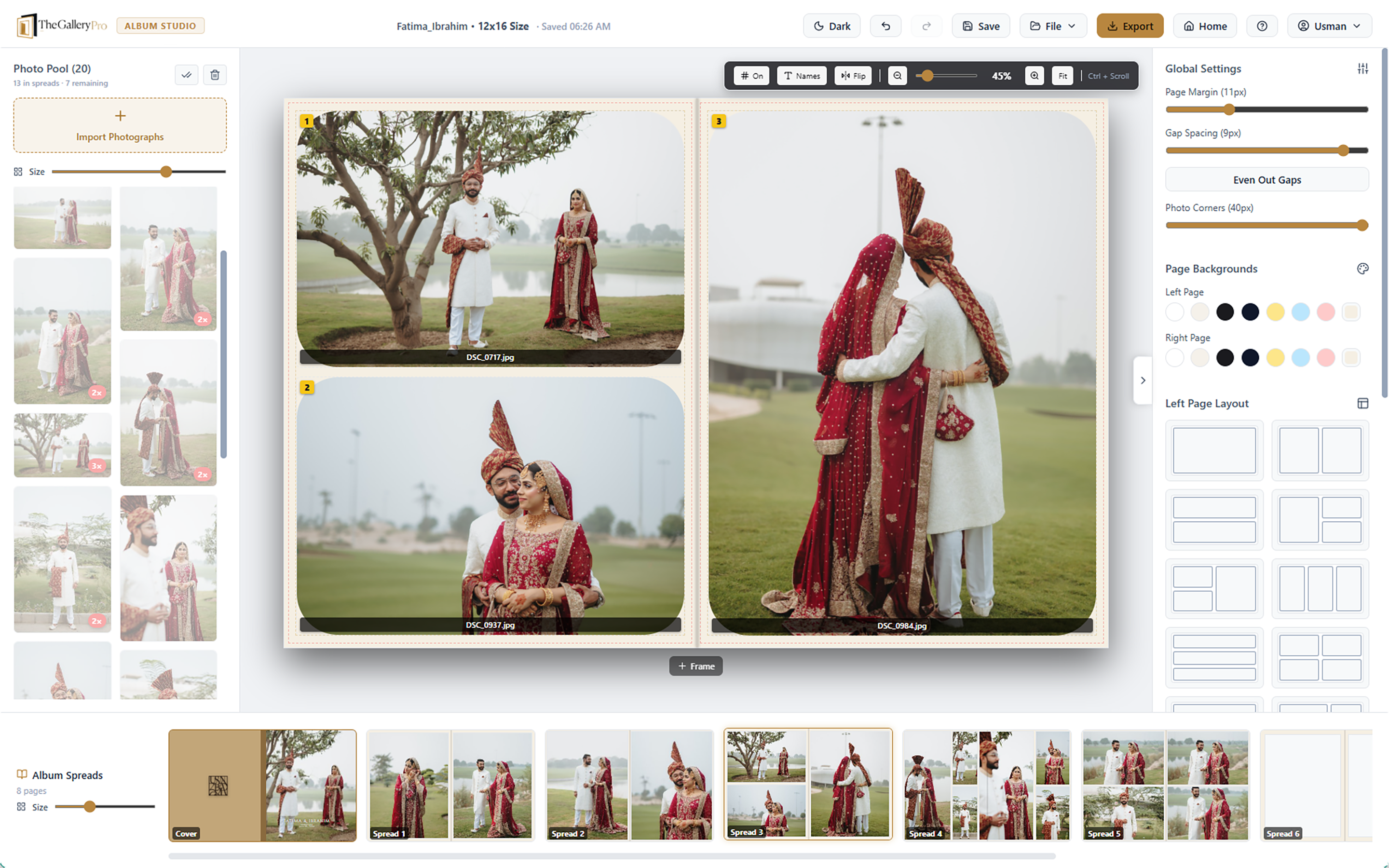
Place photos into ready-made one, two, and six-photo grids, then swap and rearrange them quickly.
Position, zoom, rotate, and crop every photo inside its frame.
Apply style presets for typography, colour, and spacing across the album.
Projects stay lightweight and can reference your photo folders instead of duplicating every full-resolution file.
Open the same project in the Windows or macOS app, or continue in the browser with cloud saving.
Render every spread to high-resolution images, sized and ready to send straight to your album lab.
Keep designing without a connection in the desktop app, then sync when you are online again.
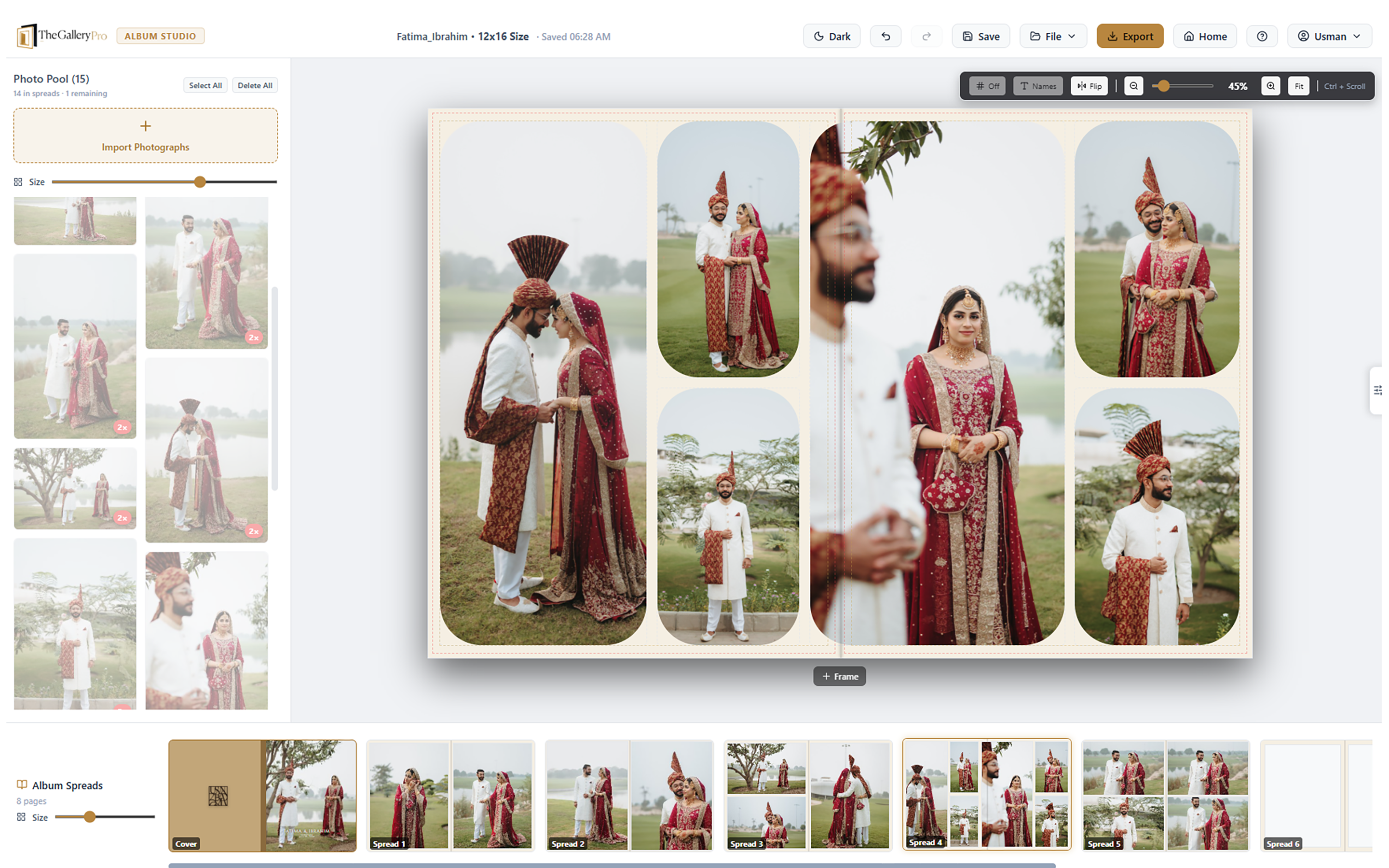
A wedding album maker should show both pages together. Album Designer lets a hero image span the gutter, while margins, safelines, and spacing show how the finished book will look.
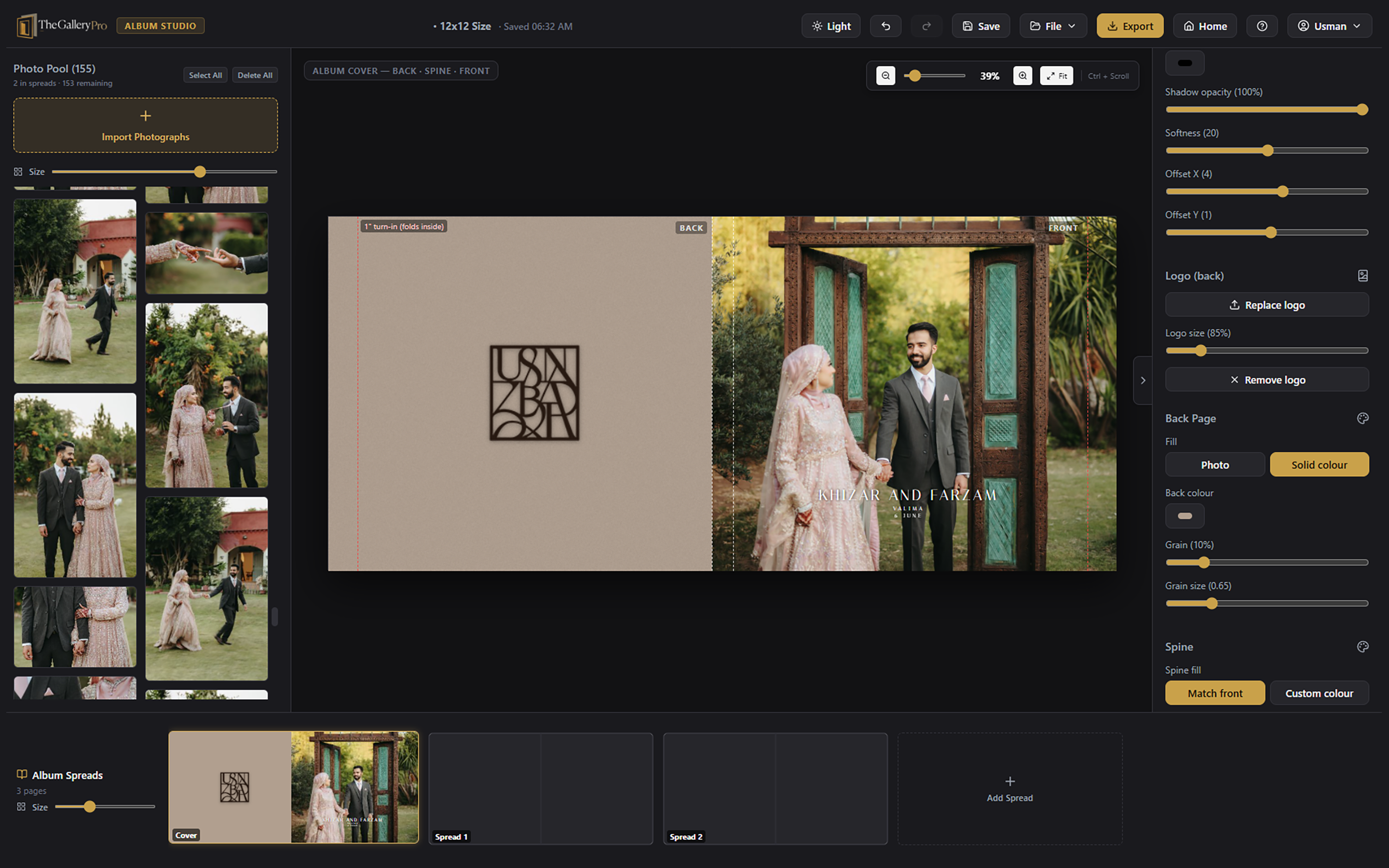
Create a finished album cover with your title, event details, logo, background photo or colour, typography, text shadow, and grain controls.
See portrait and landscape images working together in real Album Designer layouts, with smart templates and edge-to-edge control.
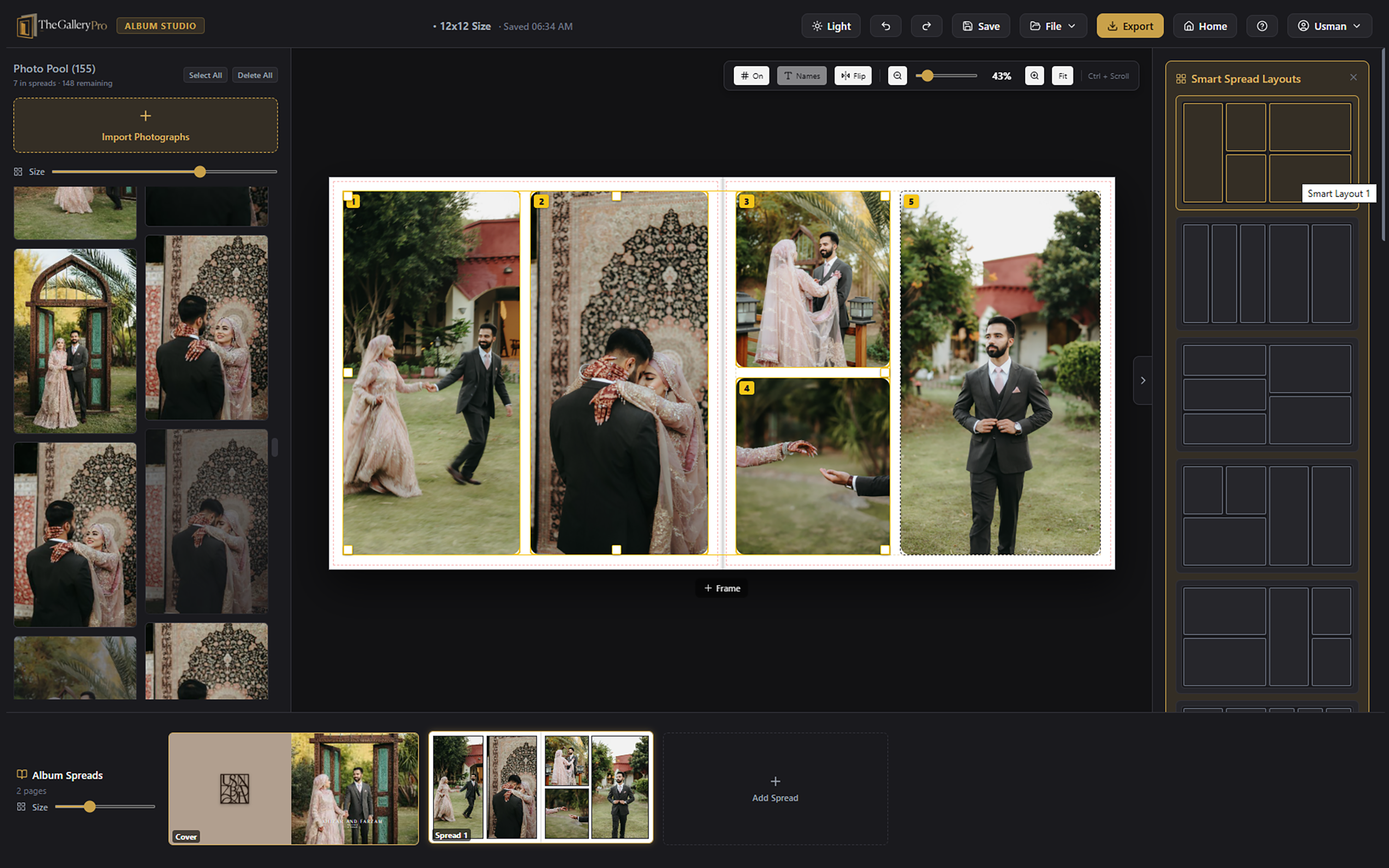
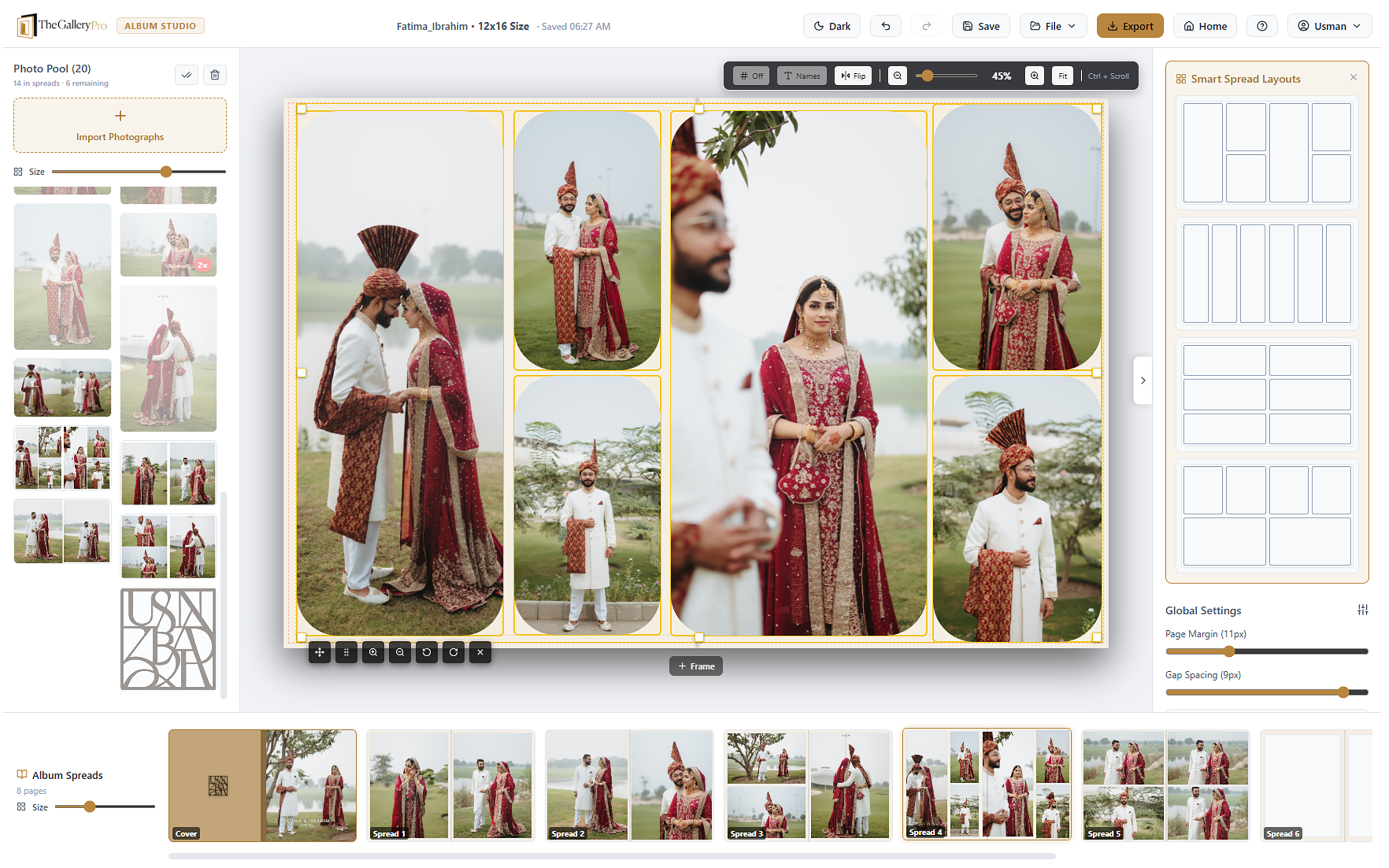
Use the Windows or macOS app for local album design, or open the web version in your browser. Your Studio account keeps projects in the cloud so you can continue on another device.
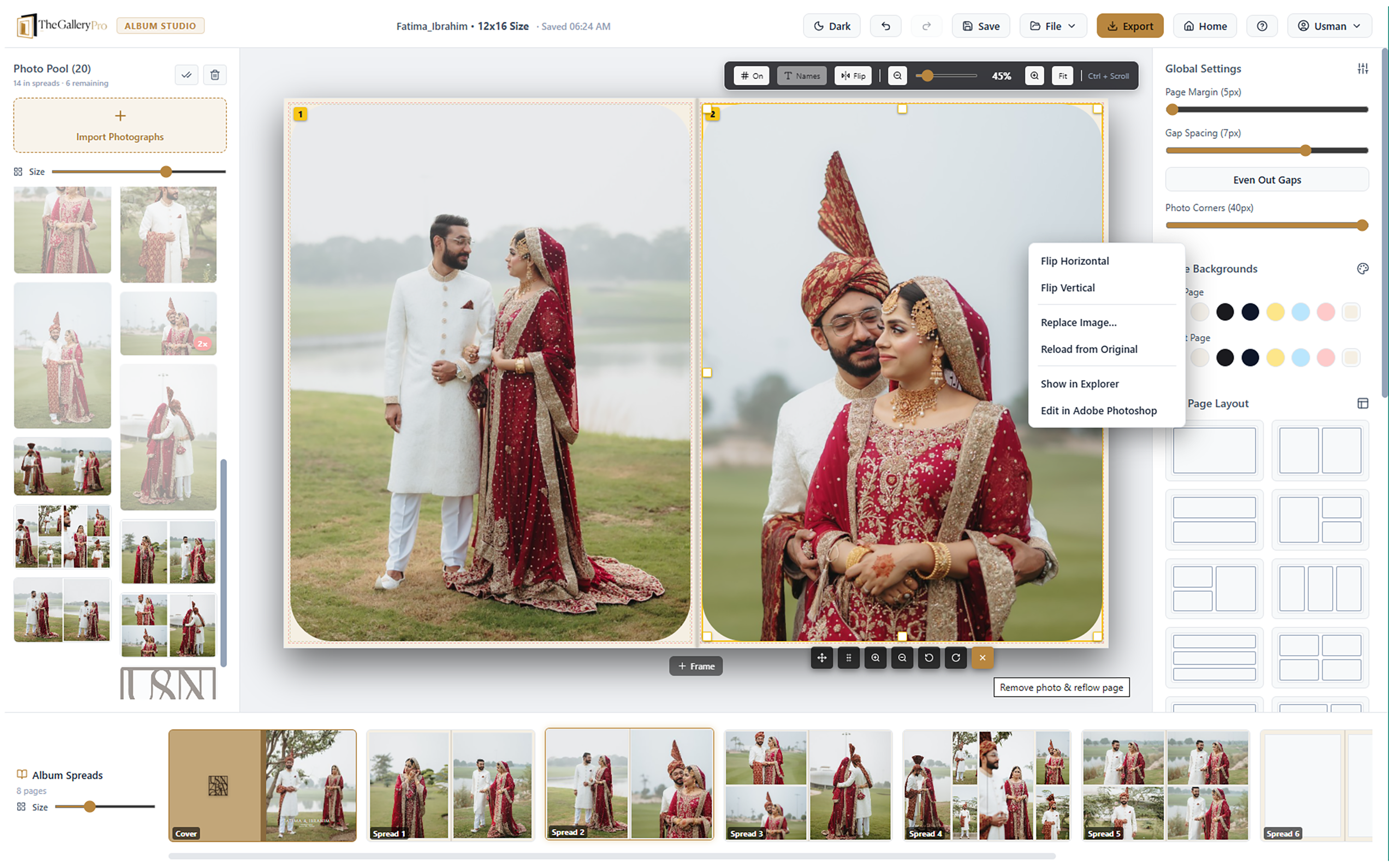
Choose the album size and add your shoot photos. The project can reference your full-resolution files without duplicating them.
Use smart templates, respect portrait and landscape orientation, crop each frame, and design the cover.
Export high-resolution spreads for your print lab, then share the project online with your client or team.
Album design software helps photographers arrange images into pages and spreads, edit crops, create covers, and prepare files for printing. TheGalleryPro supports these tasks on desktop and in a web browser.
Yes. TheGalleryPro is a wedding album maker for full-spread layouts, cover design, photo cropping, and print-ready wedding album pages.
The Windows and macOS apps can work offline. The online Album Designer runs in a modern browser and saves projects to your Studio account.
Yes. Export high-resolution album spreads sized for your project and send them to your print lab.
Start a 7-day free trial with no card required. Design on desktop, online, or both.